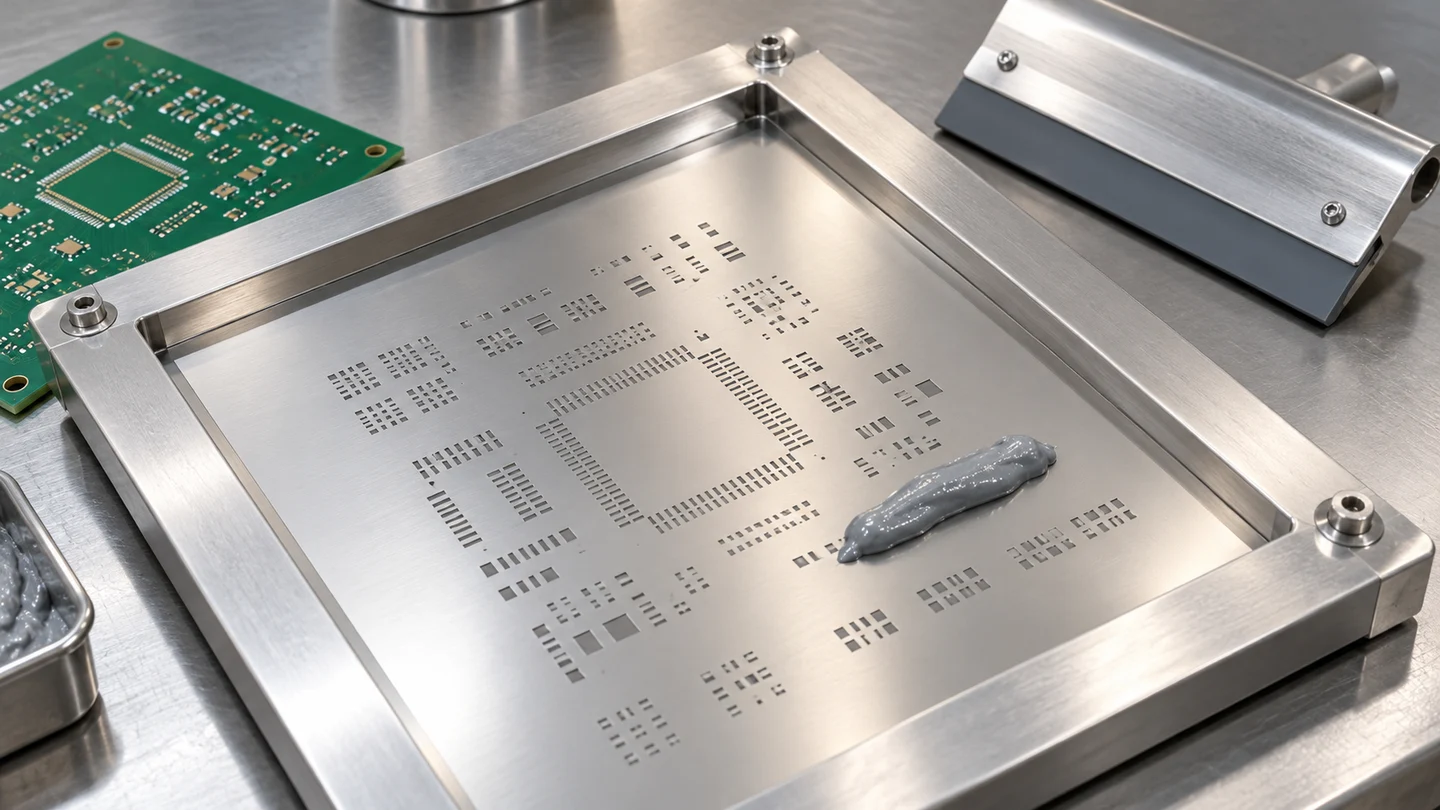
Poor stencil release can leave insufficient paste deposits and cause rework. Choose a solder paste stencil by checking its finished aperture geometry against foil thickness, then validate the printed deposits with solder paste inspection (SPI). Area ratio and aspect ratio provide a useful design screen; measured transfer efficiency shows how much paste reaches the PCB.
A thick foil can supply volume to larger joints while making small apertures harder to release. The calculation below connects those competing needs, using a documented 300 µm aperture example, then shows how to apply solder paste and evaluate the print. It fits into the broader electronics manufacturing workflow.
| Design input | Value or source | Decision it supports |
|---|---|---|
| Finished aperture shape and dimensions | Stencil fabrication drawing | Calculate opening area and wall area |
| Local foil thickness, T | Stencil specification | Check release geometry and cavity volume |
| Area ratio screen | ≥0.66 in Indium’s design guidance | Identify apertures needing release evaluation |
| Aspect ratio screen | ≥1.5 in Nuvotronics’ assembly guidance | Check aperture width relative to thickness |
| Actual paste volume | SPI measurement | Calculate transfer and assess consistency |
Calculate area ratio and aspect ratio
Area ratio compares the opening area with the area of the aperture walls. Use the finished opening dimensions from the stencil drawing. Component pitch and copper-pad size help define the layout, but the paste must pass through the aperture actually fabricated.
For a straight-wall rectangular aperture, let L be its length, W its shorter width, and T the foil thickness. Use the same unit for all three:
- Area ratio, AR = (L × W) / [2 × (L + W) × T]
- Aspect ratio = W / T
- Nominal aperture volume = L × W × T
For a circular aperture of diameter D, AR = D / (4T). For a square of side S, AR = S / (4T). Both ratios are dimensionless. If length, width and thickness are in millimetres, the calculated volume is in mm³.
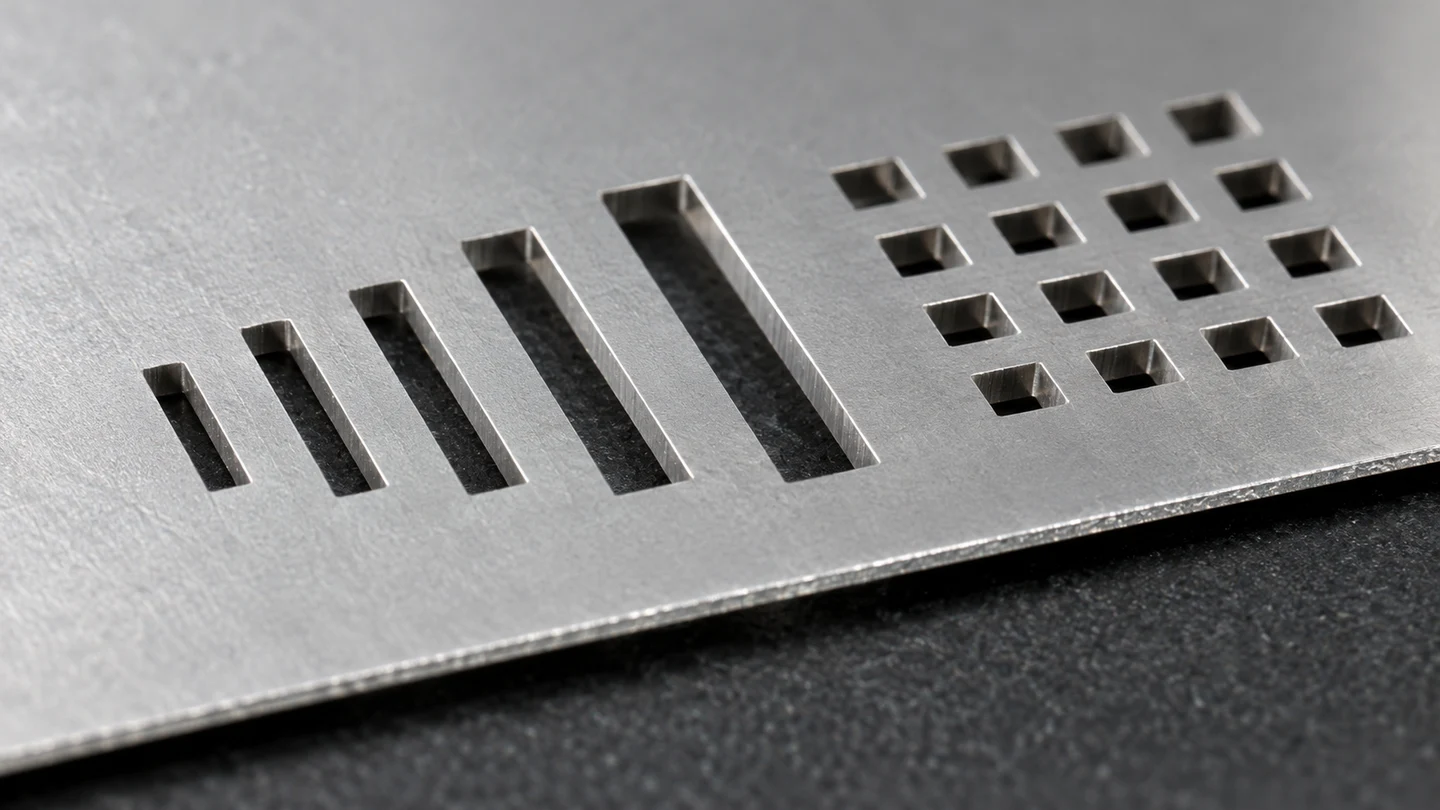
Indium Corporation’s Powder Choice and Stencil Design Guidelines, Form 97742 (A4) R4, gives the area-ratio screen of ≥0.66. Nuvotronics’ PolyStrata SMT Assembly Guide pairs that with an aspect ratio of ≥1.5. Treat these as conventional screening guidance, followed by printing trials on the selected paste and tooling.
IPC-7525C, Stencil Design Guidelines (November 2021), provides the broader stencil-design framework. Its scope describes guideline use and the role of customer–supplier agreement. Put the finished dimensions, tolerances and acceptance criteria into that agreement.
For rounded, home-plate or other modified openings, calculate from the actual opening area and wall geometry. A rectangular bounding box can overstate the opening area.
Select foil thickness around the limiting aperture
A thinner foil raises area ratio at unchanged aperture dimensions, while reducing the nominal paste cavity volume. Evaluate both effects before selecting a foil for the whole board.
Rearranging the rectangular-aperture equations for the two screening values gives:
- From AR ≥0.66: T ≤ (L × W) / [1.32 × (L + W)]
- From aspect ratio ≥1.5: T ≤ W / 1.5
The smaller result governs this geometric screen. Calculate it for the demanding openings, then check the paste-volume requirements of the other components. The resulting thickness ceiling is a starting point for fabrication and print qualification.
Worked example: a 300 µm square aperture
Indium’s R4 thickness chart lists a 300 µm aperture at 5 mil and 4 mil foil thicknesses. Applying those inputs to a square opening gives the following comparison. One mil equals 25.4 µm.
| Quantity | 5 mil foil | 4 mil foil |
|---|---|---|
| Foil thickness | 127 µm | 101.6 µm |
| Square aperture side | 300 µm | 300 µm |
| Area ratio: S / (4T) | 0.591 | 0.738 |
| Aspect ratio: S / T | 2.36 | 2.95 |
| Nominal cavity volume | 0.01143 mm³ | 0.009144 mm³ |
| Geometry-screen result | Below 0.66 area ratio | Above both screening values |
For the thinner case, AR = 300 / (4 × 101.6) = 0.738. The source chart rounds the two cases to 0.59 and 0.74. For the same square, the area-ratio thickness ceiling is 300 / (4 × 0.66) = 113.6 µm, whereas the aspect-ratio ceiling is 300 / 1.5 = 200 µm.
This is why checking aspect ratio alone can miss a release concern: both foils exceed 1.5, but only the thinner one clears the 0.66 area-ratio screen. Its cavity volume is also 20% smaller, calculated from the same opening area and the change from 5 to 4 mil. Determine the deposited volume from SPI and measured transfer efficiency.
Recalculate after reducing apertures or adding steps
Shrinking an aperture to control bridging also changes its release geometry. At constant foil thickness, reducing both length and width by the same proportion reduces area ratio by that proportion. Recalculate using the revised drawing before approving the change.
Indium’s design note discusses home-plate aperture reductions for discrete-component solder beads and area reductions for fine-pitch bridging or balling. Select the shape and reduction for the pad, component and process, then check release and deposited volume together. A smaller opening can address excess paste yet make insufficient transfer more likely if the release margin becomes too small.
When fine-pitch devices and larger joints need different paste volumes, a step stencil can provide different local foil thicknesses. Carmina Läntzsch and Georg Kleemann’s LaserJob paper, Challenges for Step Stencils with Design Guidelines for Solder Paste Printing, describes thin regions for fine-pitch printing alongside thicker regions for other devices.
Review step placement, the nearest apertures, blade travel and the print setup with the stencil fabricator. A local step changes the printing surface as well as the cavity volume, so confirm that the proposed layout can be printed consistently.
How to apply solder paste through the stencil
Stable board support, alignment, stencil contact and controlled separation turn the drawing into a repeatable print. Use the selected paste’s handling instructions and the printer’s approved setup to establish the operating settings.
- Support and locate the PCB. Hold the board securely and maintain a stable printing plane.
- Align and seat the stencil. Match apertures to pads and establish contact at the print surface; check board support and gasketing if paste spreads beneath the foil.
- Print with a controlled paste bead. Use the qualified blade, pressure and speed so apertures fill and the top surface wipes clean.
- Separate the stencil and board in a controlled motion. Keep separation settings consistent during the trial so changes in release can be traced.
- Inspect and maintain the process. Check the deposits and stencil underside, then use the approved cleaning routine before contamination affects subsequent boards.
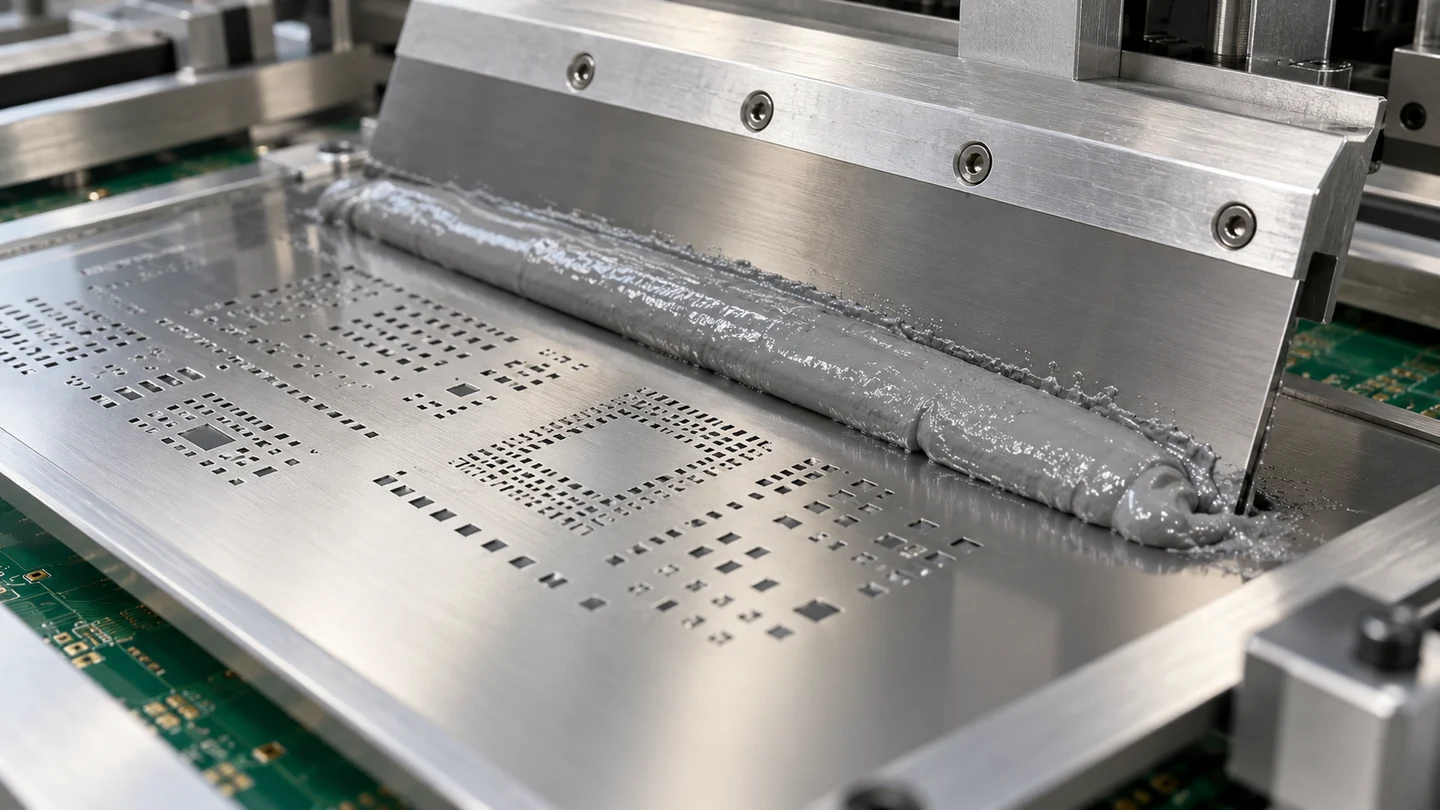
Indium’s Transfer Efficiency Variation diagram identifies cleaning, gasketing, squeegee pressure and speed, separation speed, board support and paste properties as process variables. Keep these conditions recorded when comparing stencil designs.
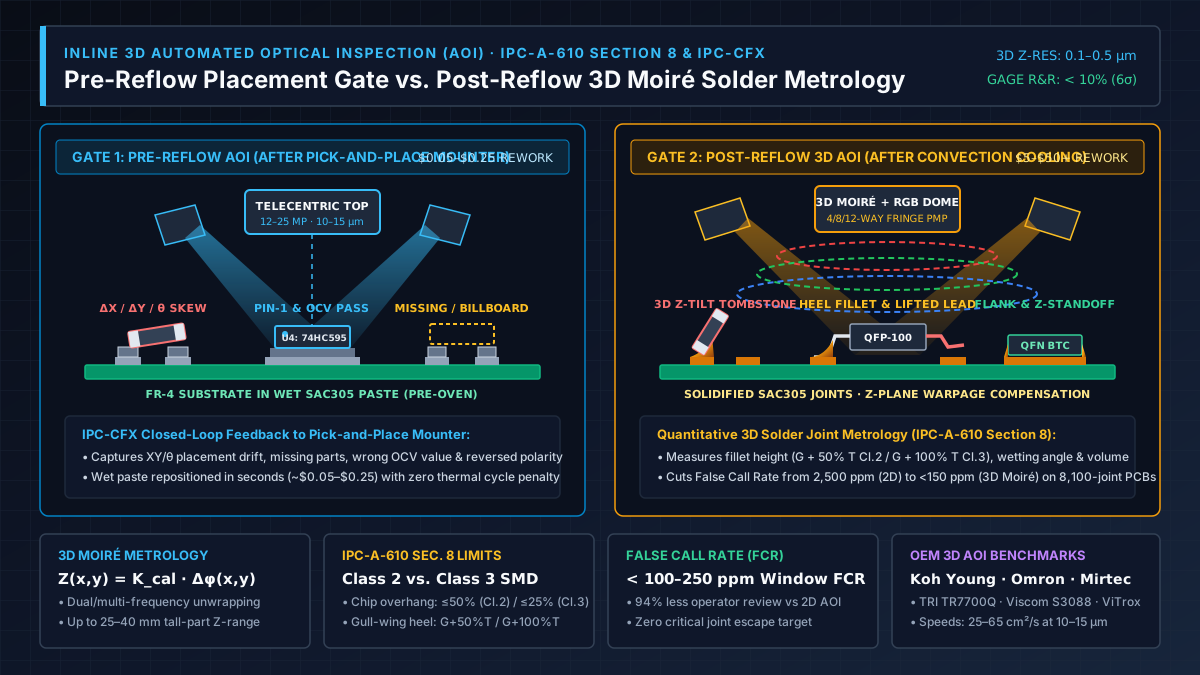
When choosing solder paste for PCB assembly, match the exact formulation and powder option to the aperture geometry. In an SMT assembly line, inspect the wet print before component placement; carry accepted boards forward to a qualified reflow soldering profile.
Verify release transfer with SPI
Transfer efficiency expresses measured deposit volume as a percentage of the nominal aperture volume. Ed Briggs explains this distinction in Indium’s Stencil Printing for SMT Assembly Success Part 2: Print Metrics:
Transfer efficiency (%) = measured paste deposit volume / nominal aperture volume × 100
For the 300 µm square on 4 mil foil, the denominator is 0.009144 mm³. Divide the SPI-measured volume for that deposit by this value, then multiply by 100. Evaluate the deposited paste before reflow, while it still corresponds to the print being assessed.
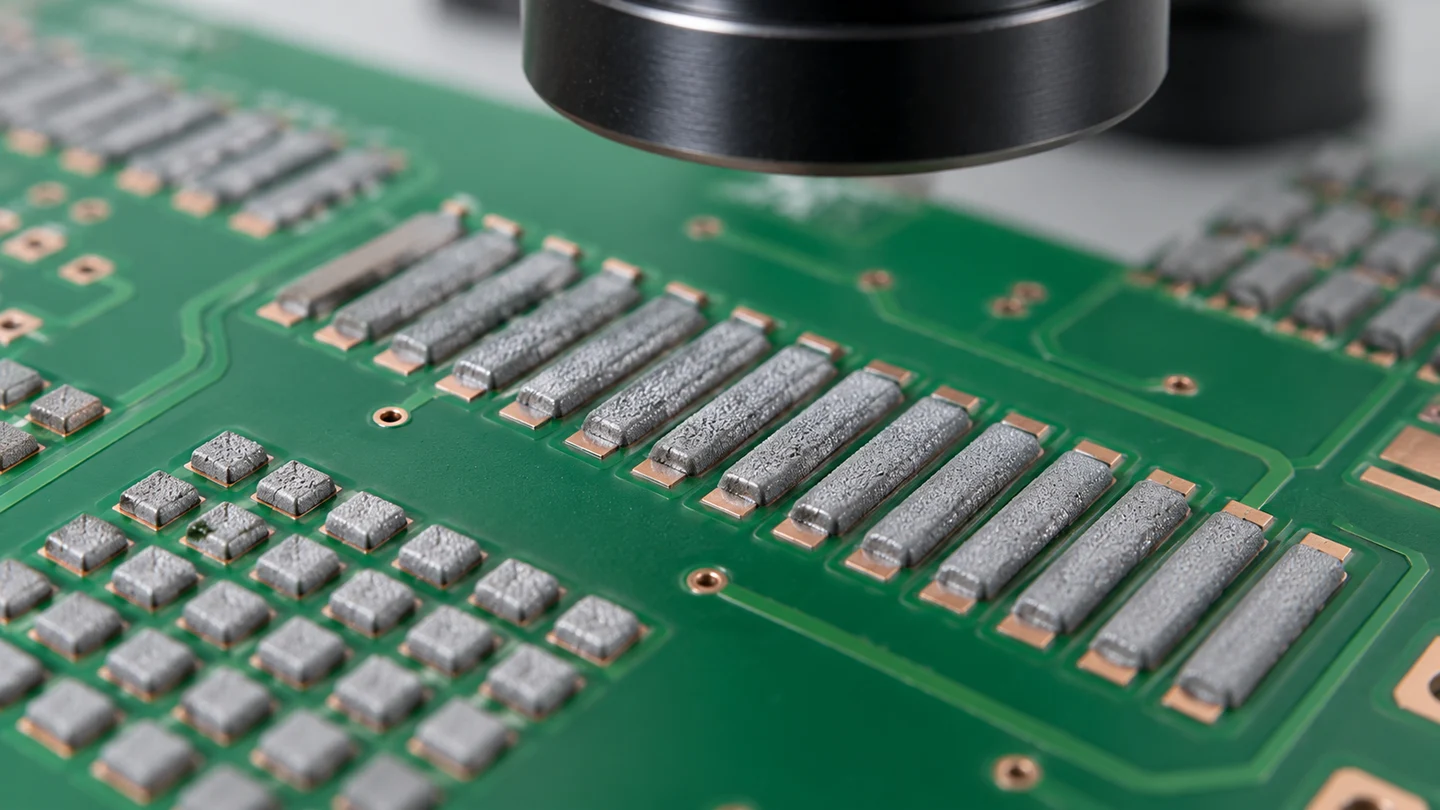
Review the distribution of volumes and deposit positions, including the most demanding apertures. An acceptable average can conceal individual low deposits or large variation. Set acceptance limits for the assembly and the qualified inspection method; use the area-ratio screen to identify what needs close evaluation.
Diagnose the print before changing the stencil
| Print observation | Checks to make | Decision before another trial |
|---|---|---|
| Low or erratic volume at small openings | Finished aperture geometry, local thickness, cleanliness, paste choice and separation | Decide whether geometry or release conditions need adjustment |
| Paste beneath the foil or bridges | Alignment, board support, stencil contact, underside cleanliness and pressure | Restore contact and a clean printing surface before judging aperture reduction |
| Low volume at broad openings | Blade condition, pressure and possible paste scooping | Review the print recipe alongside cavity volume |
| Incomplete fill or paste left on the foil | Pressure, speed and wipe quality, especially near steps | Establish consistent filling and wiping before comparing designs |
The LaserJob step-stencil study describes excessive pressure scooping paste from wide openings or causing bleeding, and excessive speed impairing fill. These mechanisms make the printer setup part of the diagnosis. Change a documented variable, repeat the print and compare the resulting SPI distribution.
Prepare the stencil review package
Give the fabricator and assembler enough information to reproduce the calculation and evaluate the print. Bring this checklist to the design review:
- Board and components: drawing revision, minimum pitch, pad dimensions, and locations with competing paste-volume needs.
- Finished apertures: shape, dimensions, reductions and identifiers for the limiting openings.
- Foil and finish: nominal thickness, agreed tolerances, fabrication process and surface finish, plus any local steps.
- Material and setup: exact solder paste, powder option, board support, blade and print/separation settings, and cleaning routine.
- Acceptance evidence: area and aspect calculations, SPI volume and position results, variation across prints, and the agreed acceptance limits.
Approve the stencil and printing process as a combination. The calculation identifies the geometric constraint; repeated deposit measurements establish whether that combination meets the assembly’s needs.