Before choosing an NXP Ara240 chip or M.2 module, identify who will supply the memory, host connection, cooling, Linux software and deployable model. A chip capability, a module feature and a working application are separate pieces of evidence.
An M.2 connector alone does not establish Ara240 system compatibility.
This checklist helps an embedded team prepare an evaluation BOM and assign the unresolved work. NXP already publishes board-specific bring-up instructions; use those for installation. Here, the task is to decide which instructions and product documents apply to the configuration you intend to build.
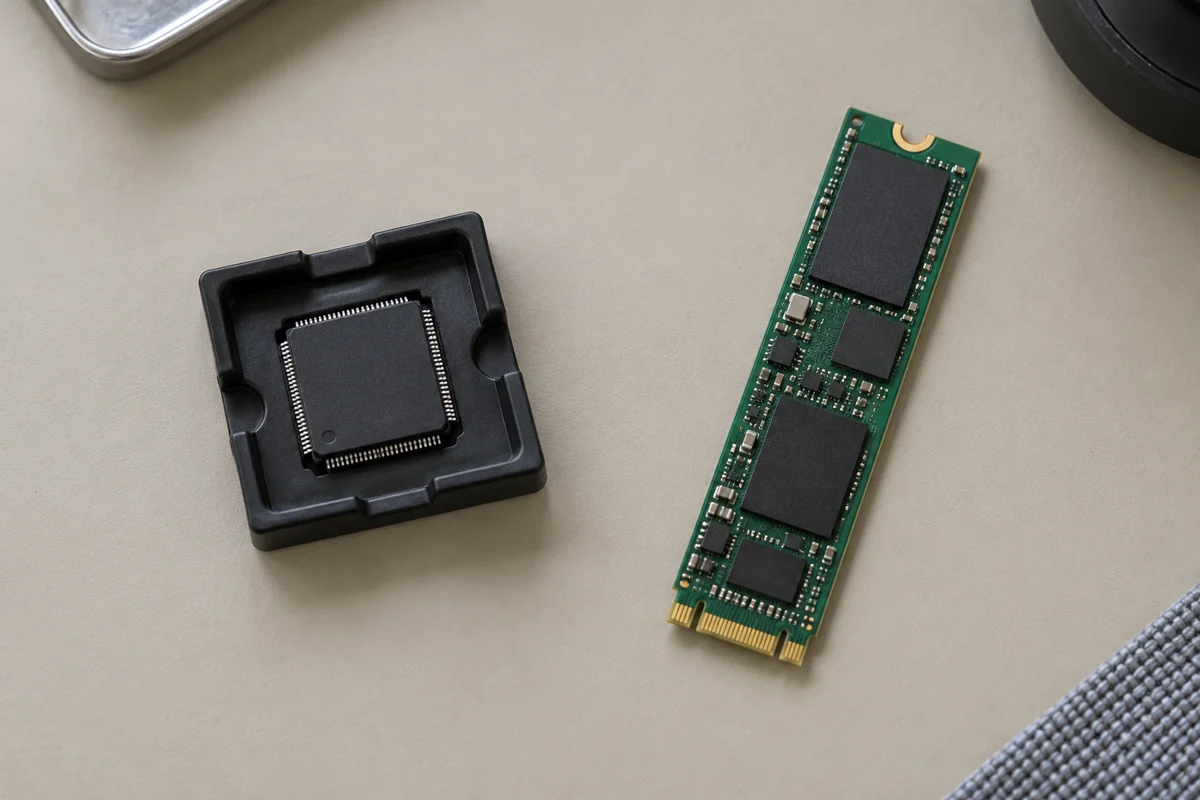
A black package in a tray and a narrow green circuit board sit separately on a beige mat.
Are you selecting silicon or a populated module?
Write the full ordering code first. “Ara240” identifies the discrete neural processing unit family; ARA2-M2-16G-GT identifies NXP’s specific 16 GB M.2 module. A distributor headline mentioning the processor does not settle which assembly your BOM needs.
| Item | What the opened NXP source establishes | What your selection must still establish |
|---|---|---|
| Ara240 chip | The product page lists a four-lane PCIe Gen4 host interface, USB 3.2 Gen 1, Linux runtime support and an interface for up to 16 GB LPDDR4 | Exact silicon ordering code, grade, board design, external memory and implementation requirements |
| NXP ARA2-M2-16G-GT module | The module page lists 16 GB LPDDR4, M.2 M-Key, NGFF 2280 form factor and PCIe 4.0 x1/x2/x4 configurations | Host slot wiring, available link, power delivery, cooling, mechanical fit and software match |
| Another Ara240 module | Its own supplier documentation must identify its configuration | Memory, connectors, grade, cooling and software support for that exact module revision |
These are different product boundaries. The chip’s USB interface does not prove that a particular M.2 board exposes USB. Likewise, “up to 16 GB” at the chip interface is different from the installed memory stated for NXP’s module.
The commercial chip datasheet, ARA240COM Rev. 3.0, 3 July 2026, separates its external-memory features from its ordering-information table. Match the complete ordering code and grade to the document for the part being purchased. If a replacement or revision affects the BOM, keep the approval record alongside the part-number PCN checklist.
Who owns each integration layer?
Assign an owner to every row before ordering evaluation hardware. The table below is an editorial planning aid; the evidence column tells the owner what to collect.
| Layer | Suggested owner | Evidence to attach | Question that must close |
|---|---|---|---|
| Chip | Hardware lead | Exact part number and matching datasheet/design documentation | Are the grade, external memory and board requirements understood? |
| Populated module | Module supplier and hardware lead | Module ordering code, revision and board manual | What memory, power circuitry, connector and cooling assembly are actually supplied? |
| Host | Board designer or platform supplier | Host schematic/manual and mechanical drawing | Does this socket provide the required interface and physical space? |
| BSP | Platform software owner | Board support package release notes and image identifier | Is this board and accelerator combination covered by this software release? |
| Runtime | Software integrator | Driver, firmware, runtime package and service versions | Can this installed combination communicate with the device and run its supported example? |
| Model | Application team | Model identity, deployment artifact, conversion record and acceptance test | Does this exact workload execute correctly and meet the application’s requirements? |
A chip supplier’s feature list cannot fill the host or application rows. For a custom chip-down board, keep a separate design review rather than treating a module demonstration as approval of the new PCB. Include service access in that review: the JTAG versus SWD checklist explains how to record device, probe and connector evidence without copying assumptions from another board.
Which host example actually matches your hardware?
NXP’s getting-started guide explicitly demonstrates FRDM i.MX 8M Plus. Its connection section names J23 for the module and J29 for the fan. Section 2.1 directs users of other platforms to NXP for guidance. Preserve that scope when recording a supported path.
NXP also publishes a September 2026 FRDM i.MX 95 Pro hands-on guide. It identifies BSP L6.18.20-2.0.0, module slots J24/J25 and fan connectors J9/J10. Those connector numbers belong to that board. They are not alternatives to use on an unidentified host.
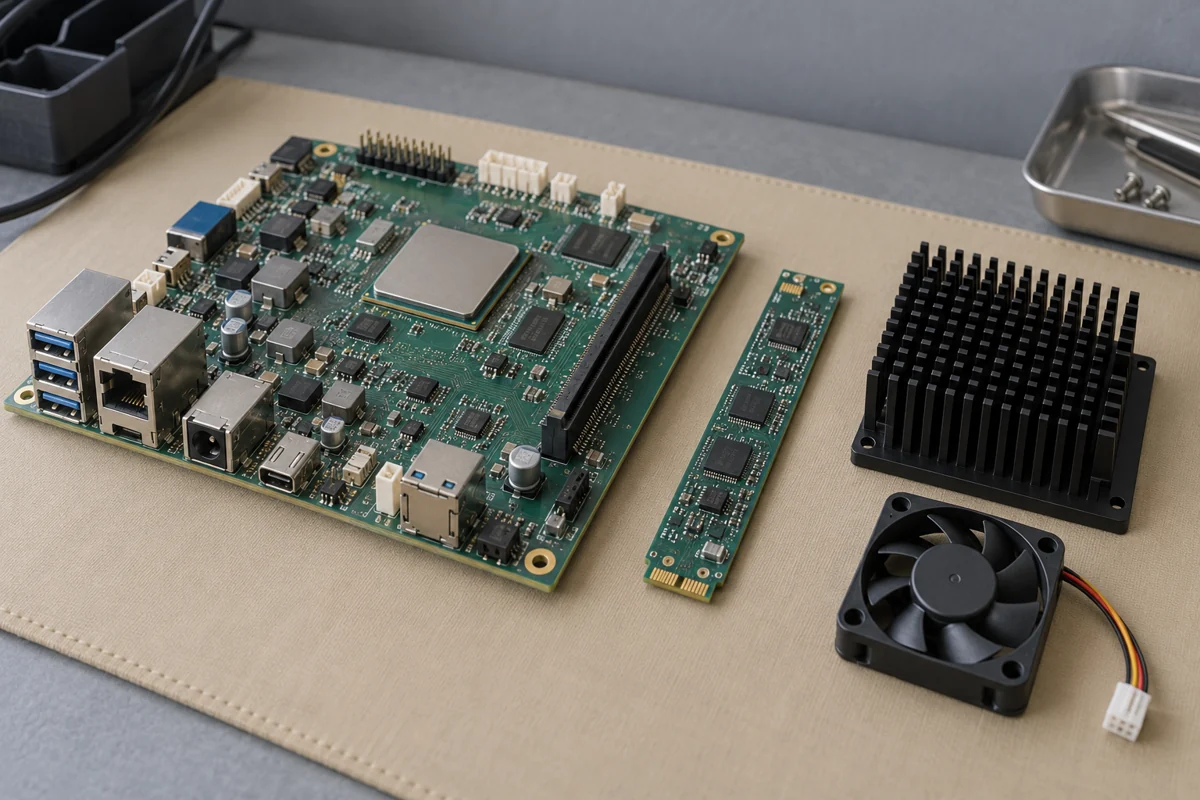
A development board, narrow expansion board, finned heatsink and fan rest on a bench mat.
For an existing industrial computer or custom carrier, request the following evidence before marking the host row complete:
- The socket key, module length, standoff position and clearance with the intended cooling assembly.
- The host’s documented PCIe connection and a record of the link actually negotiated during evaluation.
- The module’s permitted supply conditions and the host’s available supply capability, including the fan arrangement.
- The intended enclosure and ambient conditions, plus a plan to check temperatures under the application workload.
- A board/BSP/runtime support statement that names this configuration, or an assigned porting task where that evidence is absent.
Leave current, temperature and link-speed cells blank until the relevant document or measurement exists. A statement that a module fits the socket closes only the mechanical question. Follow the matching manufacturer installation instructions; NXP’s 8M Plus guide specifies powering the board off before fitting the module.
Does software readiness extend beyond device detection?
Treat hardware detection, runtime initialization and successful inference as separate acceptance gates. Section 3.1 of NXP’s getting-started guide checks PCIe enumeration. Section 4.2 separately calls for runtime installation, firmware-version checks, proxy-service status and benchmark execution. Detection alone does not close the runtime or model row.
NXP’s runtime package overview describes drivers, low-level utilities, proxy services, firmware loaders and configuration files for an i.MX system. Record their installed versions together. The overview is not a support statement for every Linux distribution or kernel.
A circuit board and blue cable sit in front of a closed laptop and a small camera module.
For the model gate, start with an example documented for the selected release, then test the intended workload. Record model version, input shape, precision, deployment artifact and output checks. Ask for evidence of any required conversion and operator support; a supported framework name does not establish that your particular exported graph is ready to execute.
The 95 Pro guide includes model discovery, downloading and performance utilities for its stated BSP. Use its commands with that environment. If package documentation differs, resolve the release mismatch before copying commands between guides.
What should the evaluation record contain?
Copy this record into the design notes. Keep Unknown / verify on the unit where an answer is missing, and attach the supporting file when an answer becomes known.
| Record | Value to capture |
|---|---|
| Hardware identity | Chip or module ordering code, module revision, host board and revision |
| Documents | Datasheet/manual identifiers, revisions and date reviewed |
| Physical integration | Socket and standoff, cooling assembly, power arrangement and enclosure |
| Software identity | BSP image, kernel, driver, firmware and runtime package versions |
| Detection | Device discovery output and negotiated PCIe link for the evaluated unit |
| Runtime | Initialization/service status and documented example result |
| Application | Exact model, conversion settings, input data and output correctness criterion |
| Performance | End-to-end timing, workload conditions, temperature and power measurement method |
| Decision | Unresolved items, owner, next check and evaluation approval |
NXP advertises Ara240 performance of up to 40 eTOPS, defining eTOPS as equivalent TOPS. Preserve that label. It is not an application FPS or token-rate measurement, and this article provides no conversion between them.
Set application acceptance criteria before benchmarking. For a camera pipeline, define where timing starts and ends, including the stages your product needs. For a language workload, define the model, input and output lengths and the latency measure being evaluated. Record conditions rather than transferring results from a different model or host. Power savings and accuracy remain unknown until evaluated for the intended system.
Proceed with the configuration when the evidence closes its required rows. Where a row remains open, the next action is concrete: obtain the matching document, assign the software port, or run the defined test. That makes the evaluation decision reviewable without inventing a specification.
Method and sources
Reviewed on 16 October 2026 using NXP’s chip and module pages, the commercial datasheet and the getting-started guide, downloaded that day. NXP Community’s runtime and 95 Pro training pages were also opened as public documentation; direct downloads of those Community pages returned an access challenge. The commercial datasheet is revision-specific, and the 95 Pro article describes a September 2026 training configuration.
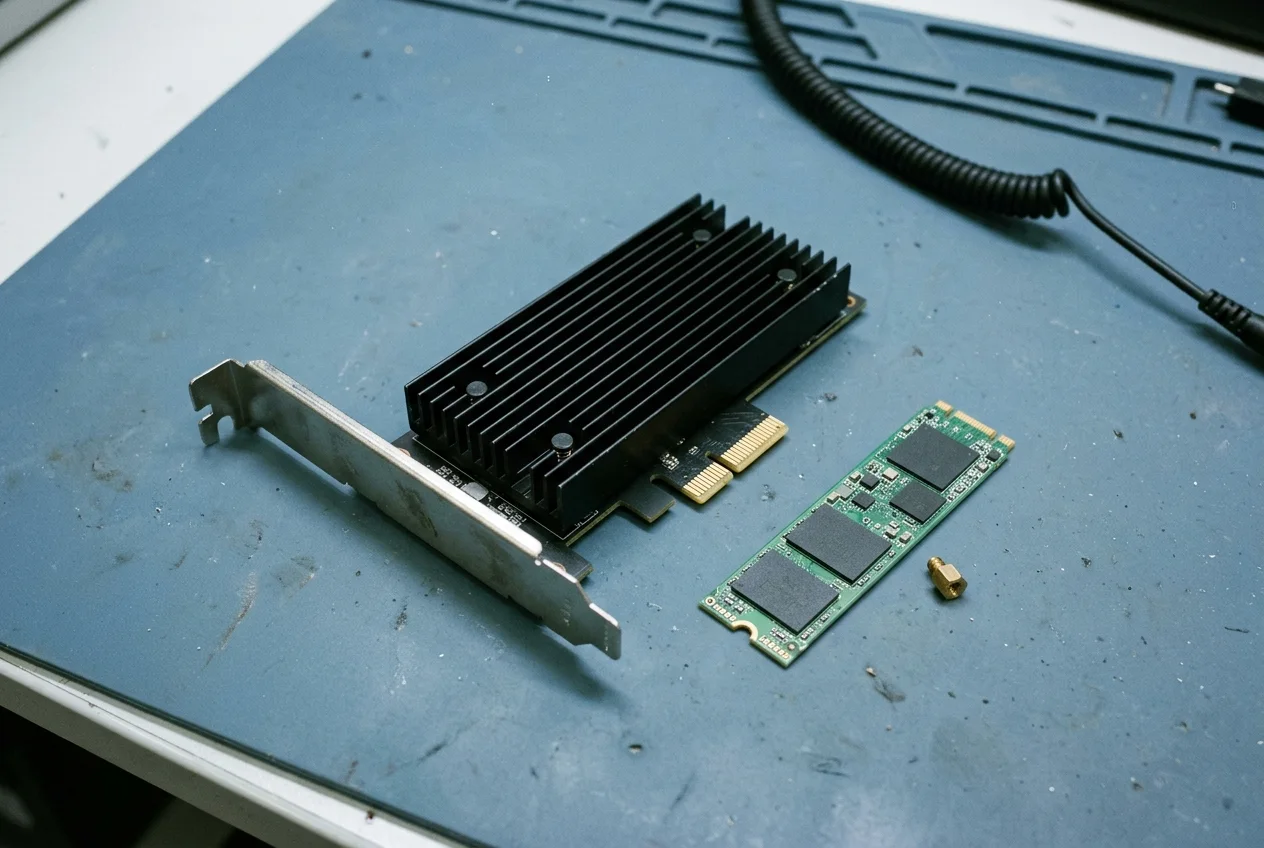
The tables combine documented product boundaries with editorial questions for a team to answer. No Ara240 hardware, model, latency, temperature or power result was measured for this article. Generic bench scenes show electronics and integration items; they do not identify a particular NXP assembly or document a tested configuration. Check the latest matching release notes and hardware documentation before implementation.
If your team is separately evaluating multi-chip PCIe accelerator cards rather than NXP’s Ara240, use the Hailo-8 Century PCIe card, slot and bifurcation checklist to verify SKU-specific slot requirements and datasheet revisions. More engineering checklists are available in the article index.